![Incrmntal Logo.png]](https://knowledgebase.incrmntal.com/hs-fs/hubfs/Incrmntal%20Logo.png?height=40&name=Incrmntal%20Logo.png)
This article explains how to integrate your Roku account, allowing the INCRMNTAL platform to pull Reporting (Spend) directly from the Network.
- Navigate to Configuration > Integrations in your INCRMNTAL dashboard
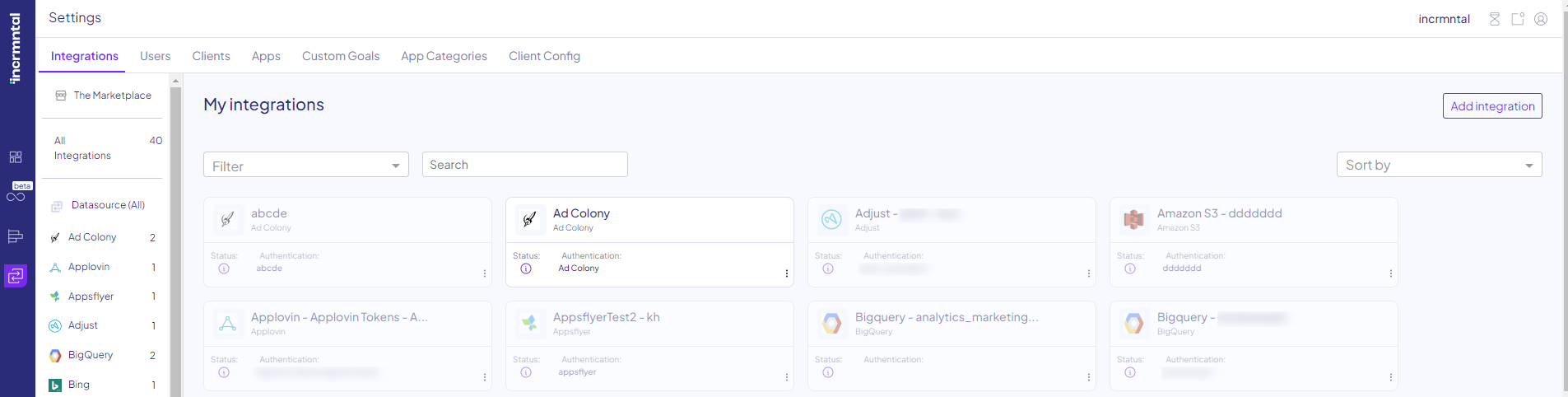
- Click "Add Integration" in the top right corner
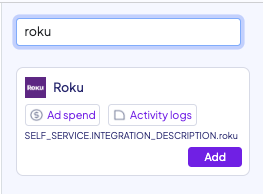
- Search Roku by using the search bar
- Click "Add"
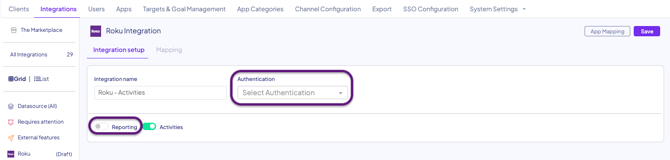
4. Click "Save"
Finished!
For any question please contact integrations@incrmntal.com , or open a support Ticket here