![Incrmntal Logo.png]](https://knowledgebase.incrmntal.com/hs-fs/hubfs/Incrmntal%20Logo.png?height=40&name=Incrmntal%20Logo.png)
Here's how you can integrate Shopify:
- Log into your INCRMNTAL dashboard.
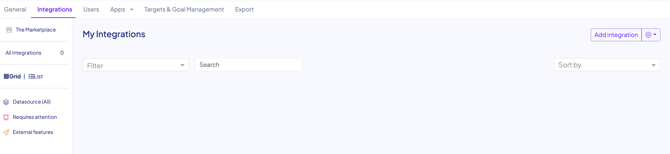
- Go to Configuration > Integrations.
- Click "Add Integration" on the top right hand side:
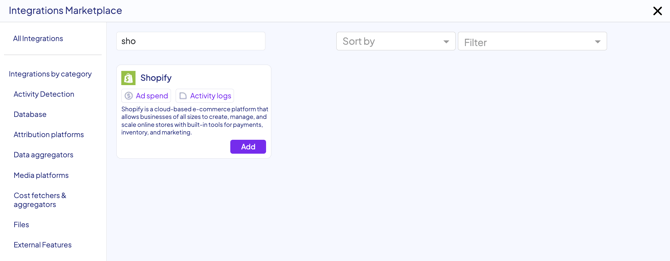
- Search for Shopify in the search bar. Click "Add":
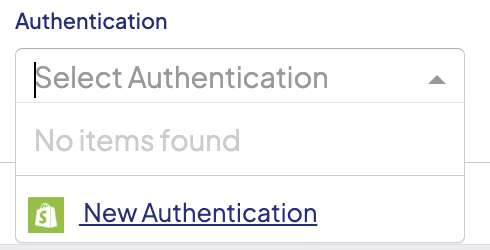
- Click the Authentication drop down. Click on "New Authentication":
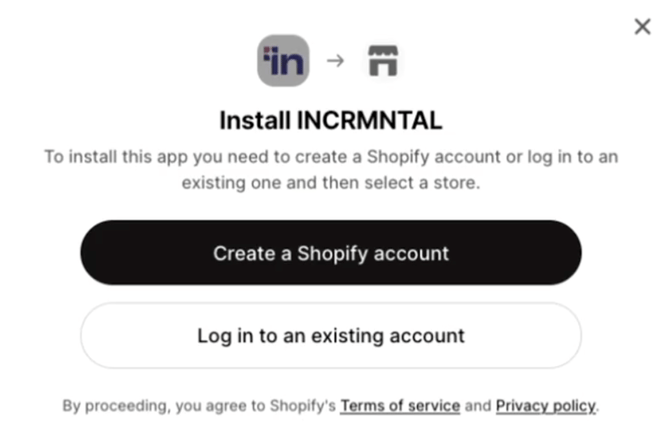
- Log in to your Shopify account and select the relevant store,then click save:
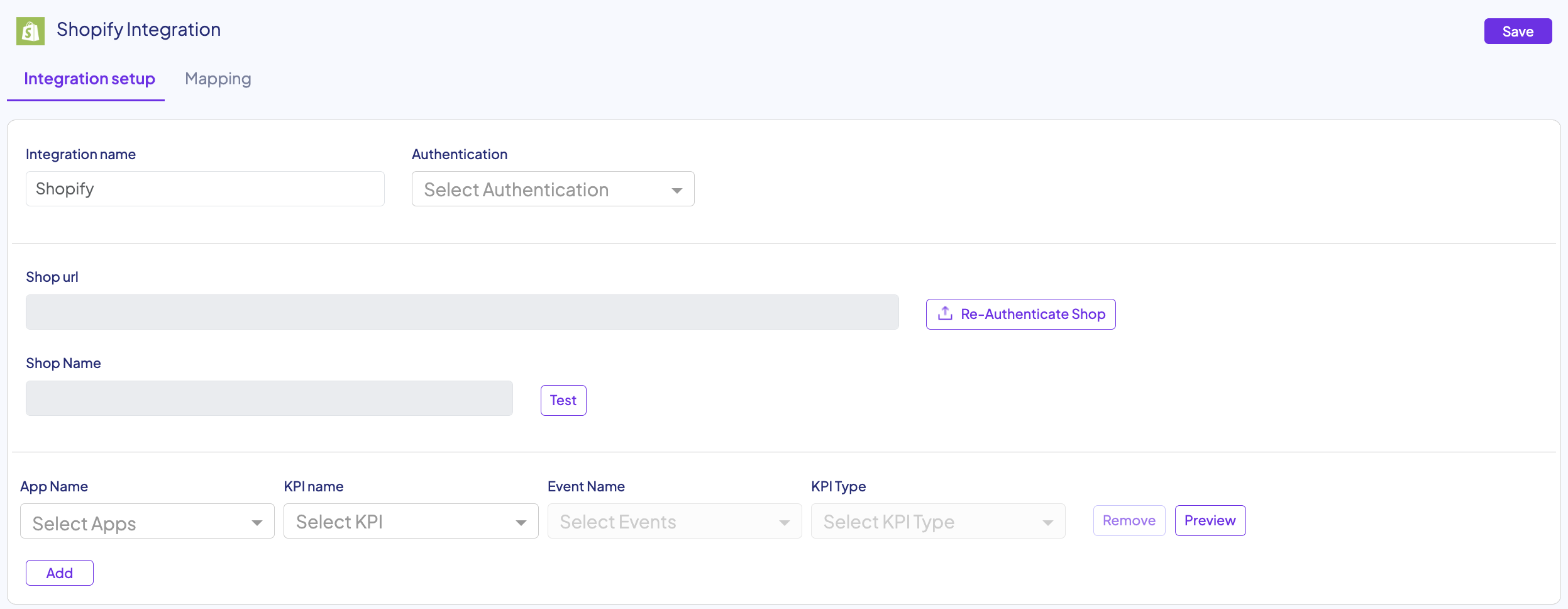
- Click on "Test" Shop Name:

- Select the relevant Apps and KPIs you would like to measure, and add Event Name and KPI Type, then click on "Preview":

- Once you've finished adding all the relevant KPIs, click "Save" on the top right hand side:
Finished!
For any question please contact onboarding@incrmntal.com , or open a support Ticket here