![Incrmntal Logo.png]](https://knowledgebase.incrmntal.com/hs-fs/hubfs/Incrmntal%20Logo.png?height=40&name=Incrmntal%20Logo.png)
1. Perfromance Map
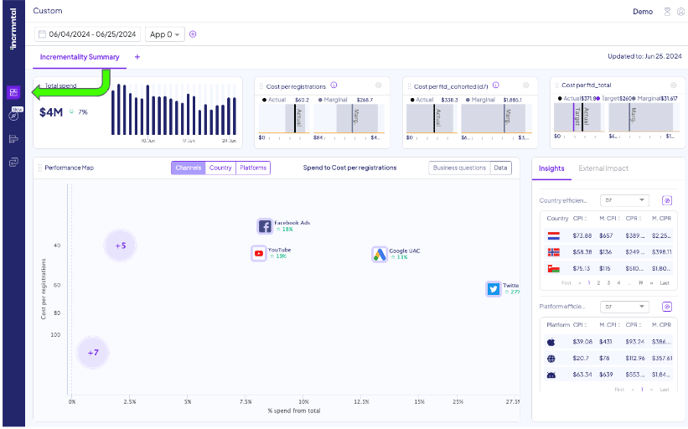
You can learn more about the Main Dashboard functionalities here.
2. INCRMNTAL Explorer
The Explorer can be accessed by clicking on the "compass" icon (second from the top).
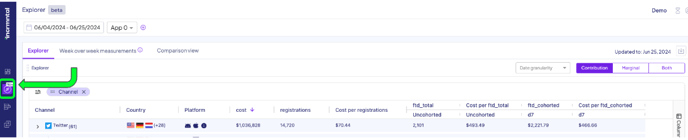
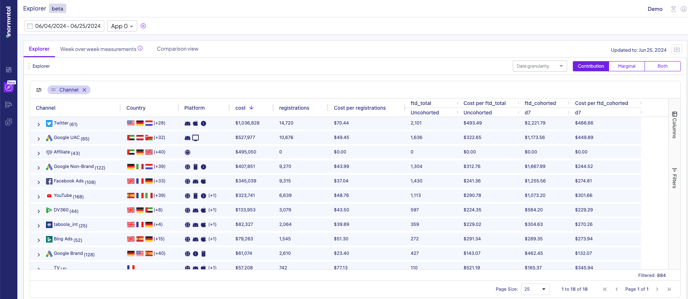
You can learn more about the Explorer functionalities here.
3. INCRMNTAL Analyst: Analytics and Results
To access the Results and Analytics Dashboard click to the Results and Analytics graph button (third from the top)
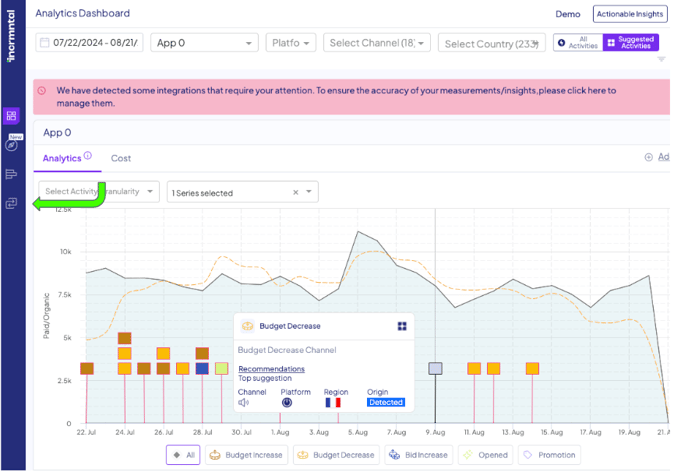
INCRNTAL Analyst Dashboard is our ultra-granular view of your marketing activities. It contains an ability to go into a specific change in spend, and measure it. The results will appear on the Results tab.
Result Dashboard
After you have run measurements, they will be accessible in the Results Tab on the same “Results and Analytics” Dashboard
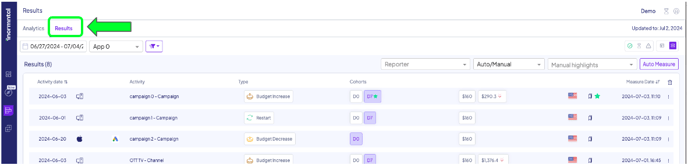
You can learn more about the Analytics and Results Dashboard functionalities here.
4. Configuration
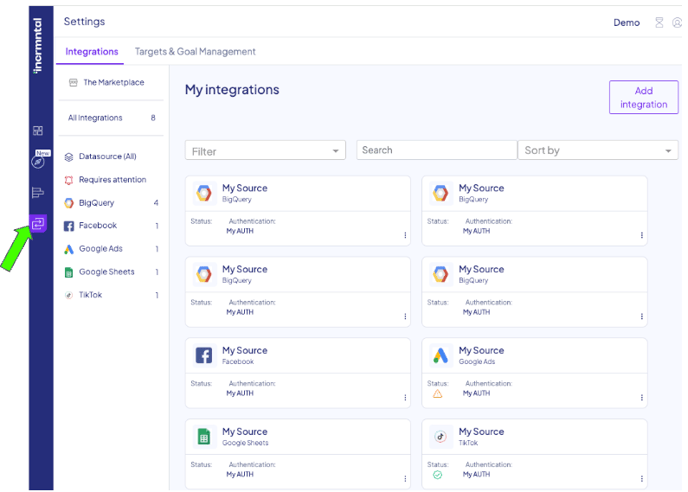
For any question please contact onboarding@incrmntal.com , or open a support Ticket here